How Metajive Uses Generative AI to Turn Creative Vision into Real Business Capability.
By Todd Purgason, Executive Creative Director, Metajive

It’s about instincts, taste, and real opinions. That still holds true. The only thing that’s really changed is just how much leverage creative people have now.
AI didn’t sneak in and ask nicely if it could stay. It showed up almost overnight—sometimes brilliant, sometimes messy, always disruptive. Suddenly, the conversation went to extremes: either AI was going to replace creatives entirely, or it was going to flood the web with cheap, half-baked content. Both views miss the point.
The truth is, creative perspective is more important than ever. The right point of view is what stands out. AI is just a tool—if you know what you’re doing, you can do more than ever. If you don’t, there’s not much to save you.
This is a behind-the-scenes look at how we used generative AI to create the portal artwork for Metajive’s Applied AI page. I’ll walk through what worked, what didn’t, and what we learned putting AI to use in an honest creative workflow.
The Team and the Intent
I’m Todd Purgason, Executive Creative Director at Metajive. I came up with the original concept for the page and partnered with the very brilliant Rob Hutti, one of our Creative Directors, to evolve that idea and drive design and production. In the sections that follow, we wanted to share how the portals concept came to life and how we translated that thinking into the creative execution of our AI page. Our founder, Dave Benton, kept us focused on the balance—work needed to be smart and visually strong, not just clever for its own sake. At every step, that balance was part of the process.
When we started visualizing AI, we wanted to avoid the obvious AI visuals—sci-fi glows, data swirls, and Matrix vibes.
We tried an organic, abstract image at first. As a still, it was beautiful. Animated, it lost its meaning and felt decorative without purpose.
That failure made something clear. The visuals needed to tell a story people could actually connect to, not just look cool. Portals gave us a structure tight enough for real storytelling, but still left space for imagination.

We’ve used AI across projects for a while, and the biggest shift has been creative visualization. Ideas that used to live as sketches, moodboards, and complicated presentations can now show up early with real polish, helping clients instantly grasp the potential of an idea. But AI’s impact goes beyond creativity—it’s become a practical tool to speed things up, cut through friction, and handle the complexity that piles up in tech, data, operations, and even culture.
Anyone who’s been around digital work gets the cycle: it starts simple, grows powerful, and eventually gets so messy with data and legacy systems that it feels stuck. AI genuinely helps clean that up. More importantly, it gives capable teams and organizations some serious leverage. Now you can spot a problem and actually act on it, whether it’s a systems issue, a creative challenge, operations, or customer experience.
When it works, AI has a hint of magic. You define an intent and see something appear—sometimes exactly what you wanted, sometimes a surprise, sometimes something else entirely. Either way, you’re not starting with nothing anymore. Suddenly, you have access to power and possibilities that used to require big teams, big budgets, and a lot of time.
That’s what we set out to visualize.
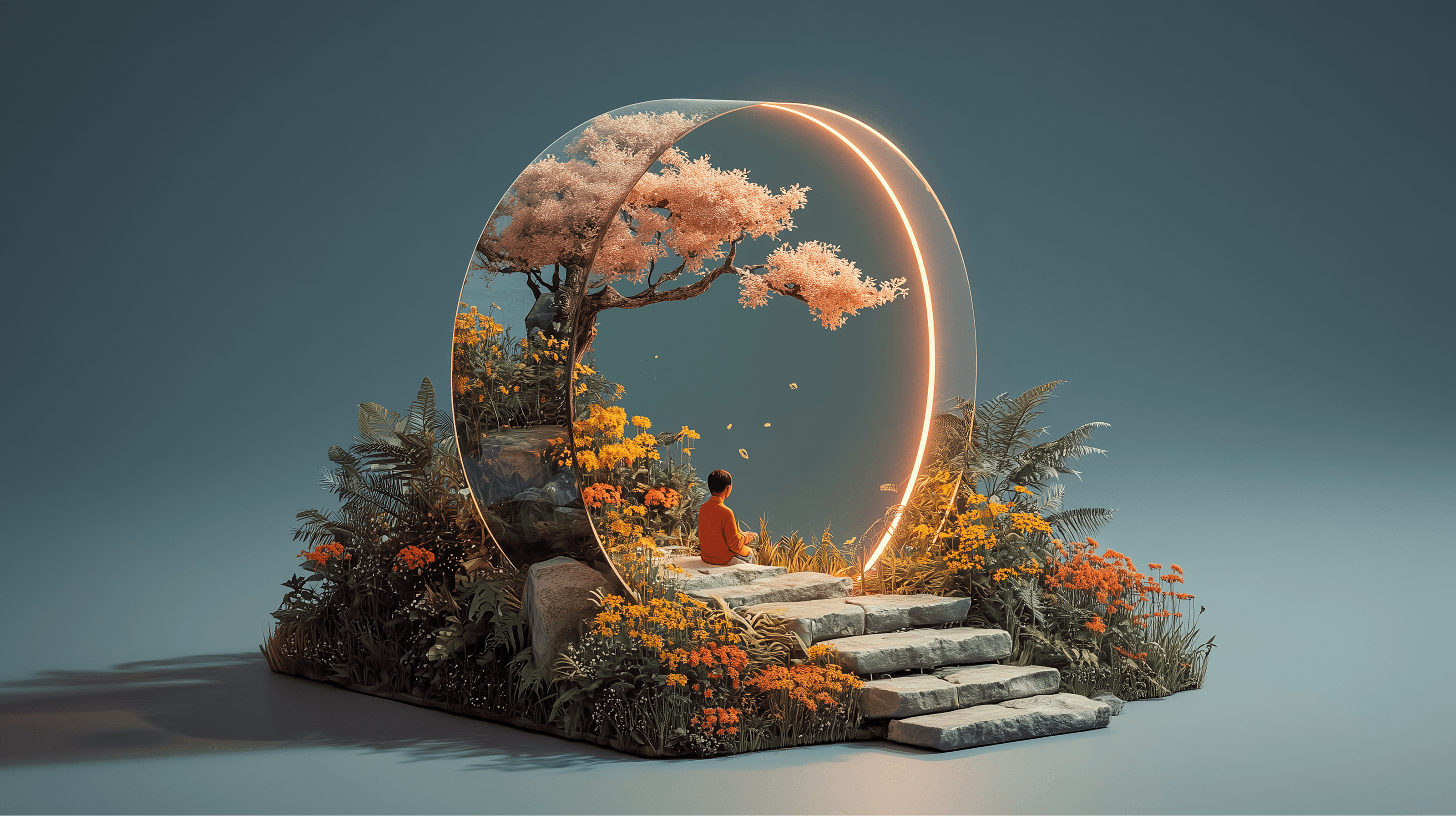



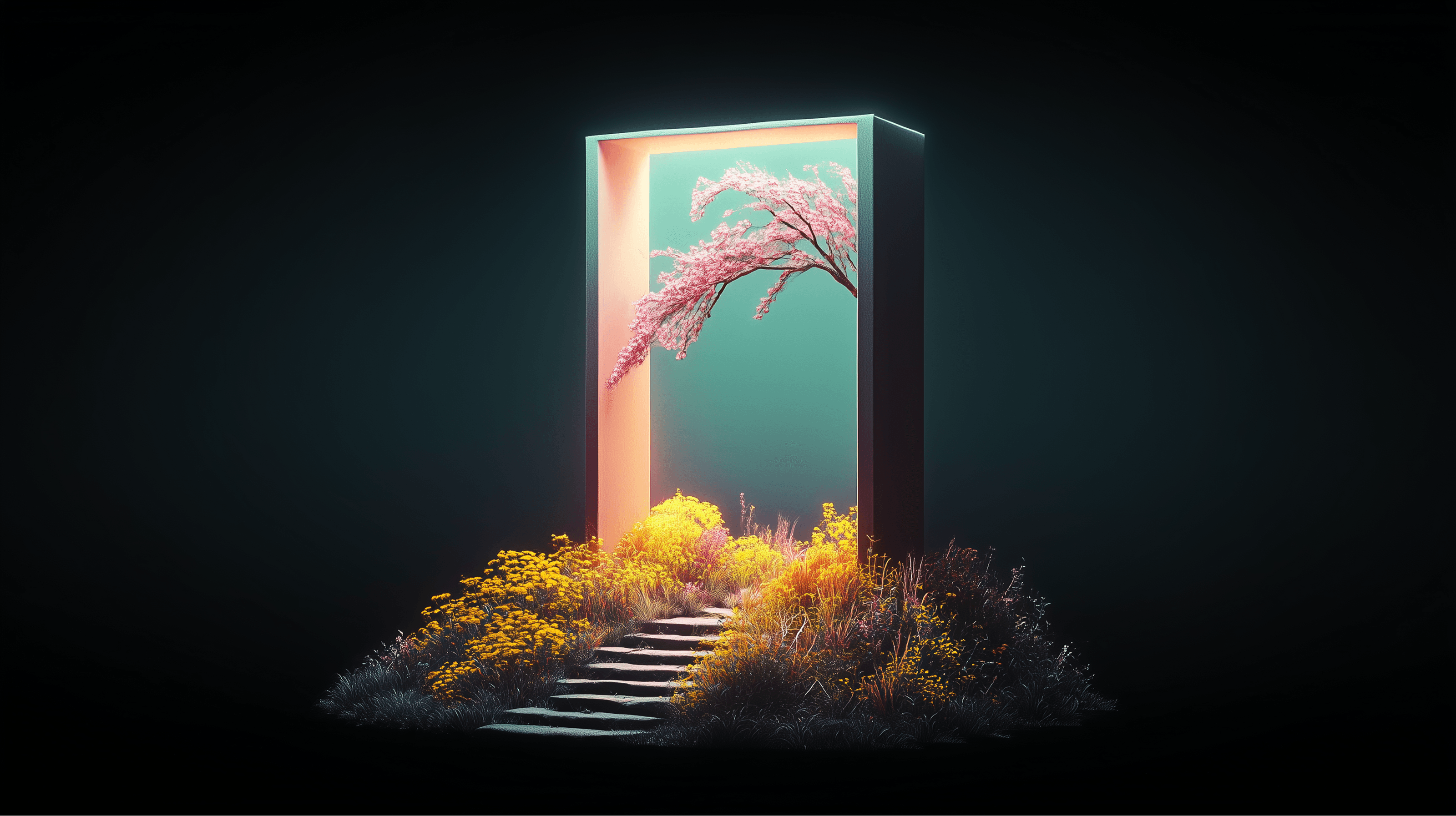
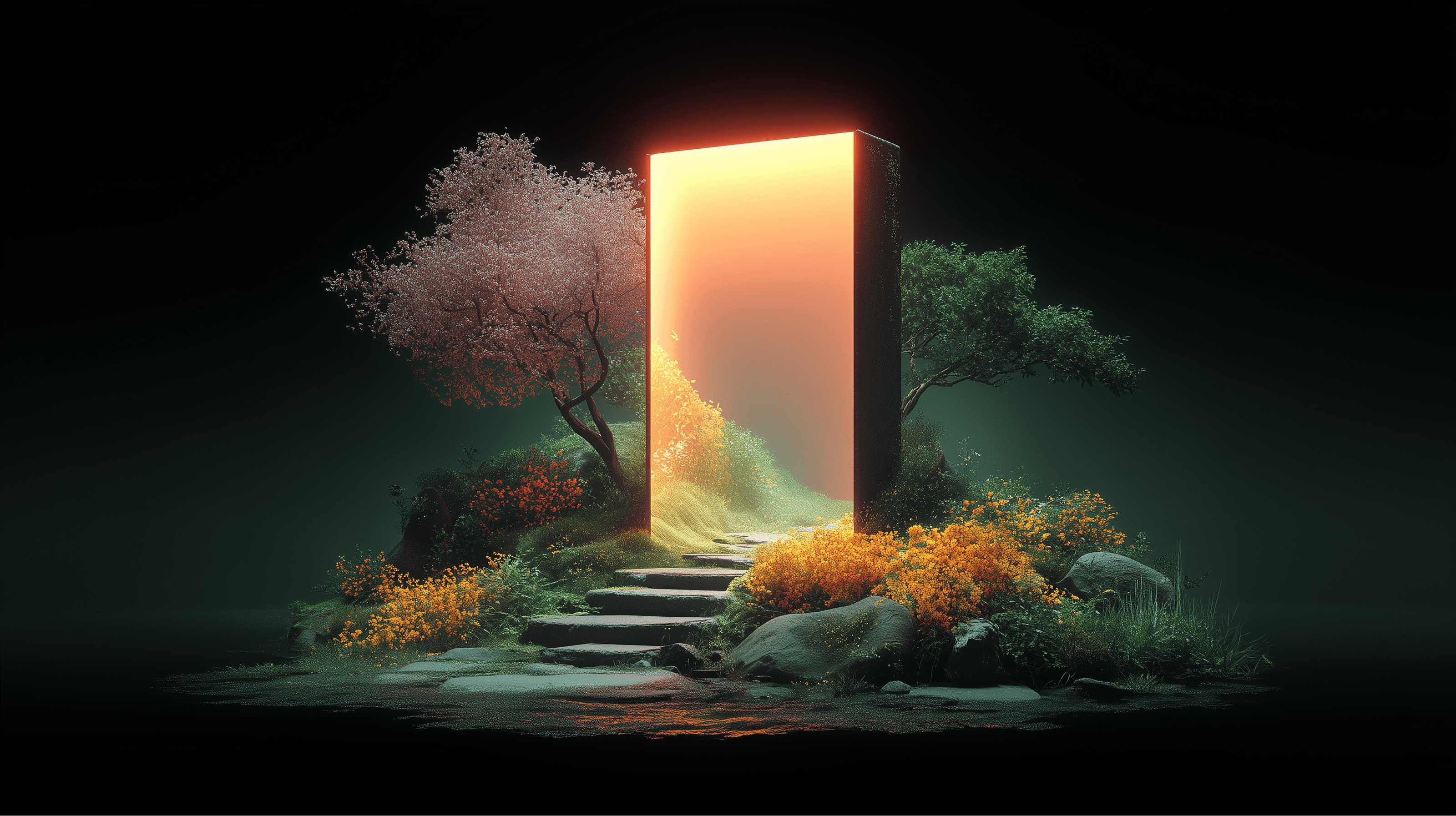


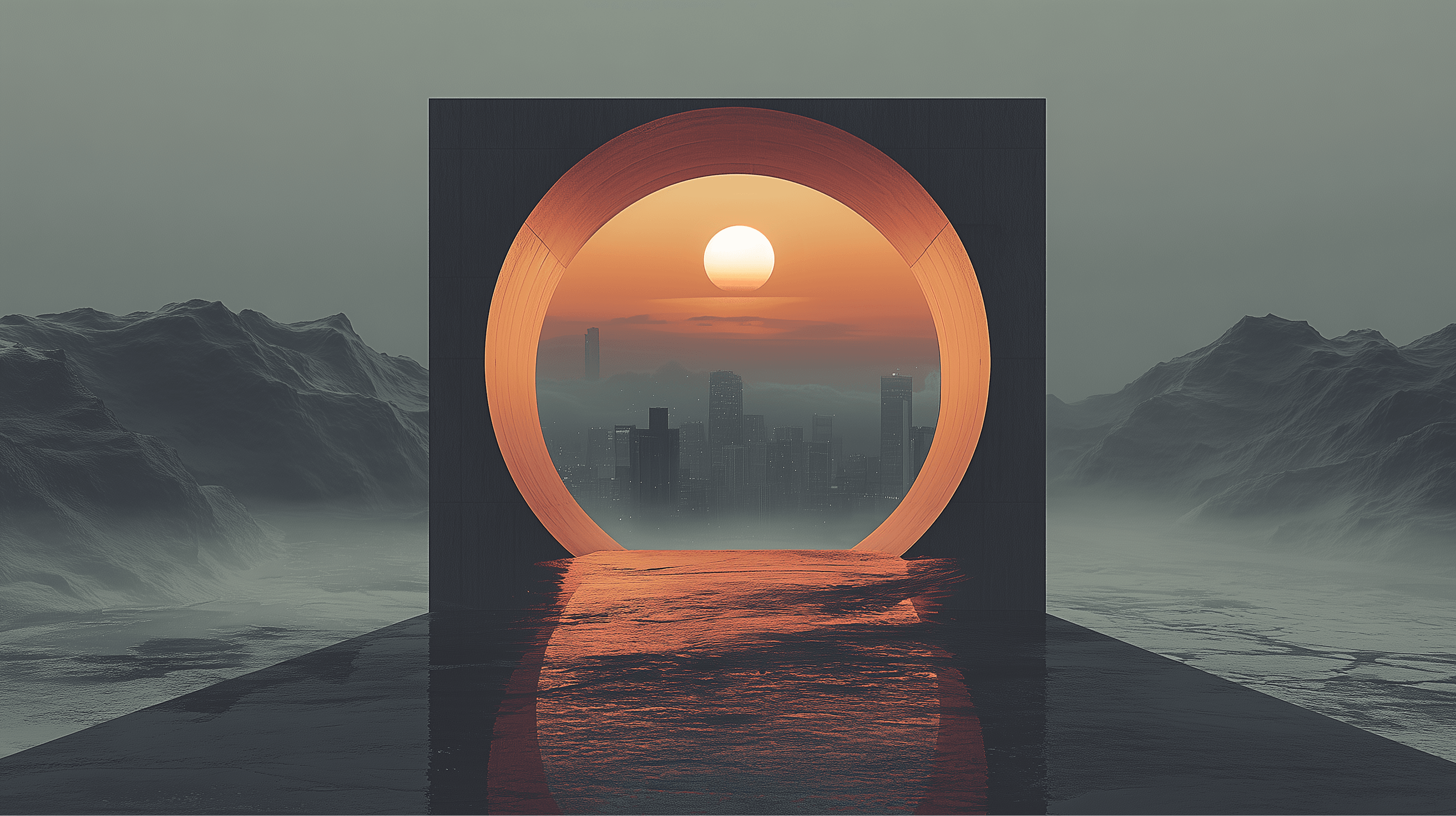
Keeping the page structure and user experience in mind—focused on making content easy to scan and digest—we chose an objectified portal style over a cinematic one. This let us use a mix of locked scrolling and image cross-fading to anchor the content, creating an immersive feel without weighing down the page with heavy video files.
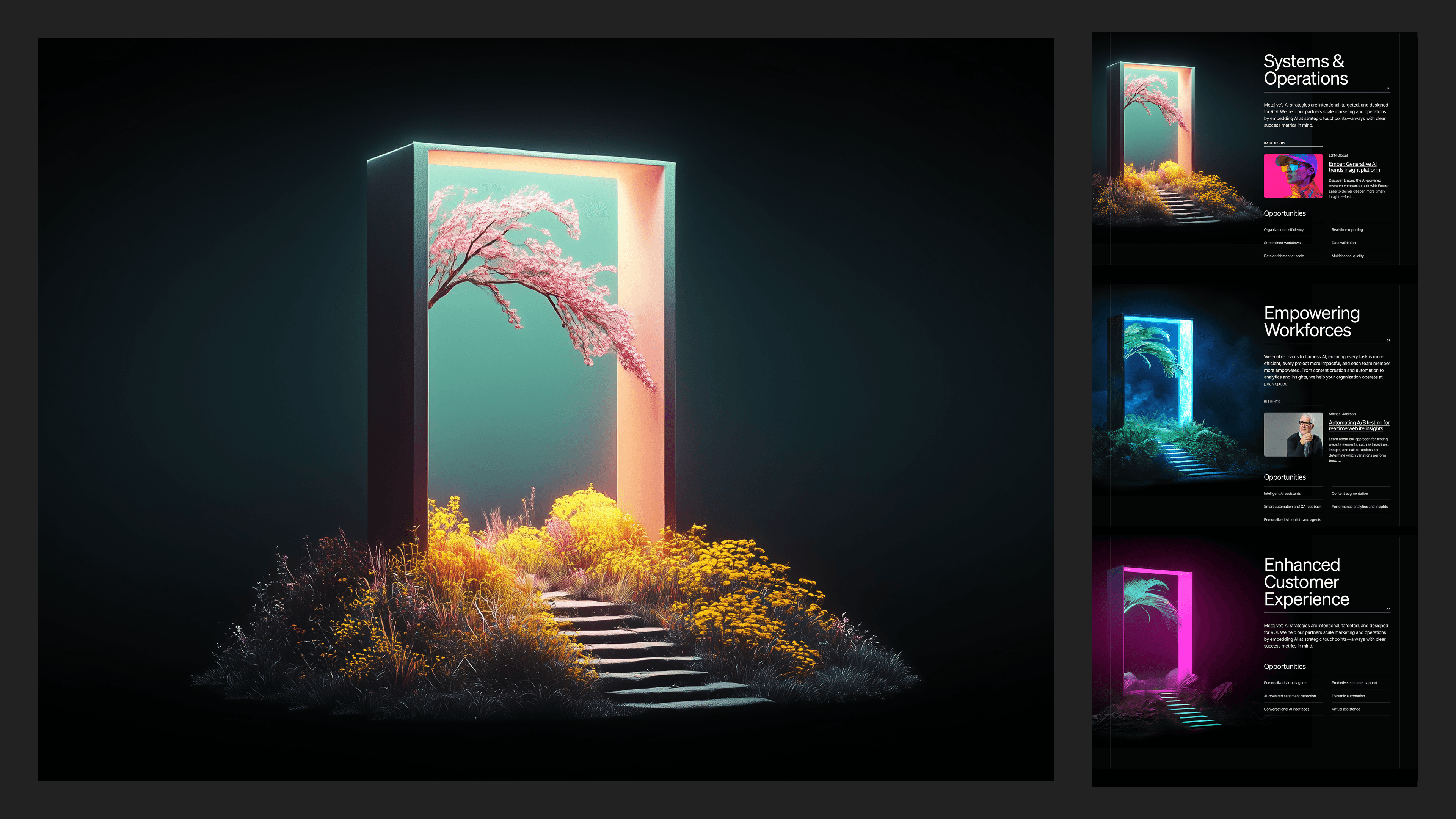
Once the portal concept was approved, the execution strategy became clear:
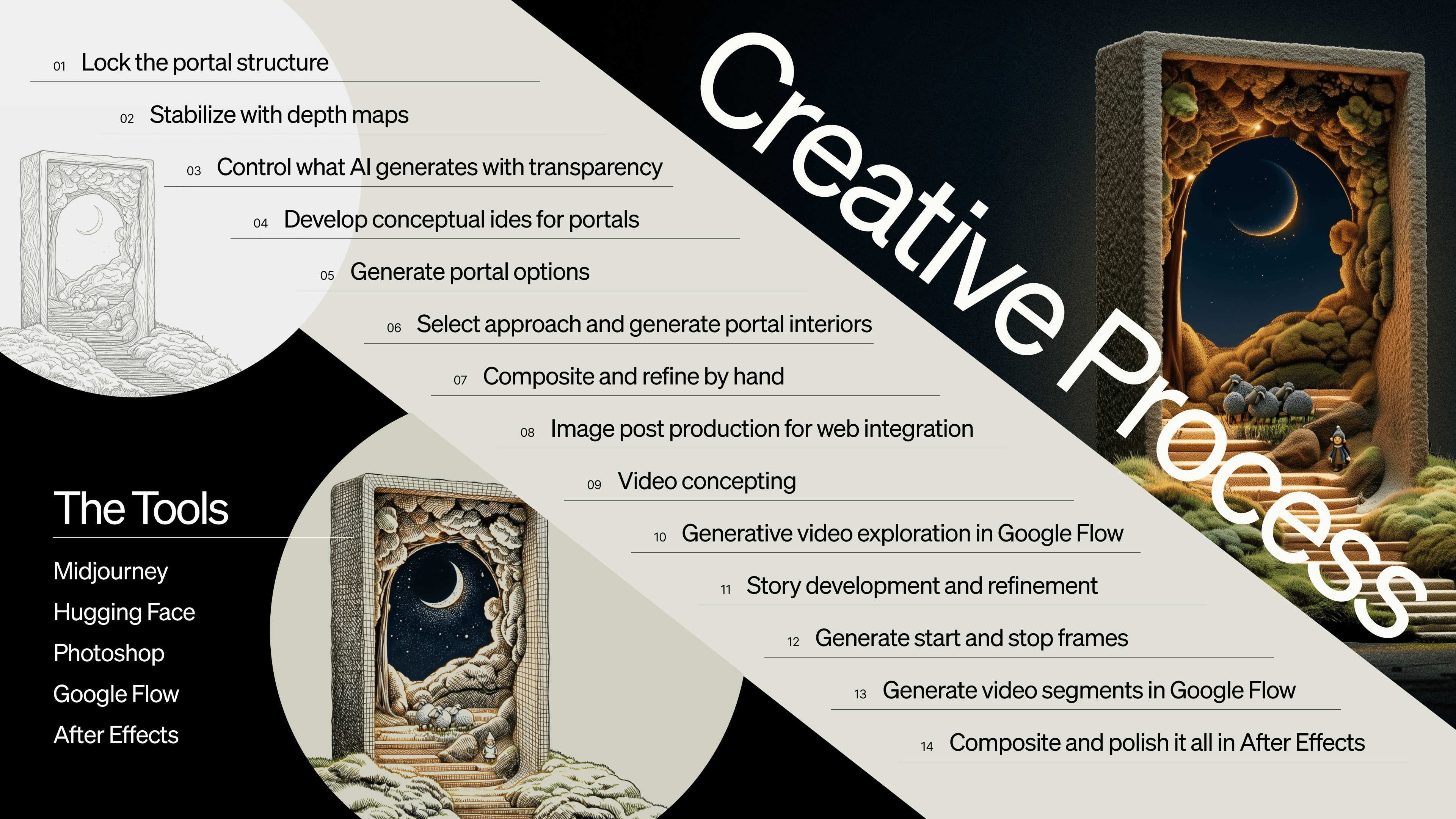
Lock the structure, then explore inside it.
The portal itself—the camera angle, the platform or pathway, the lighting—became fixed. That consistency allowed us to push much harder on what lived inside each doorway without losing cohesion across the system.
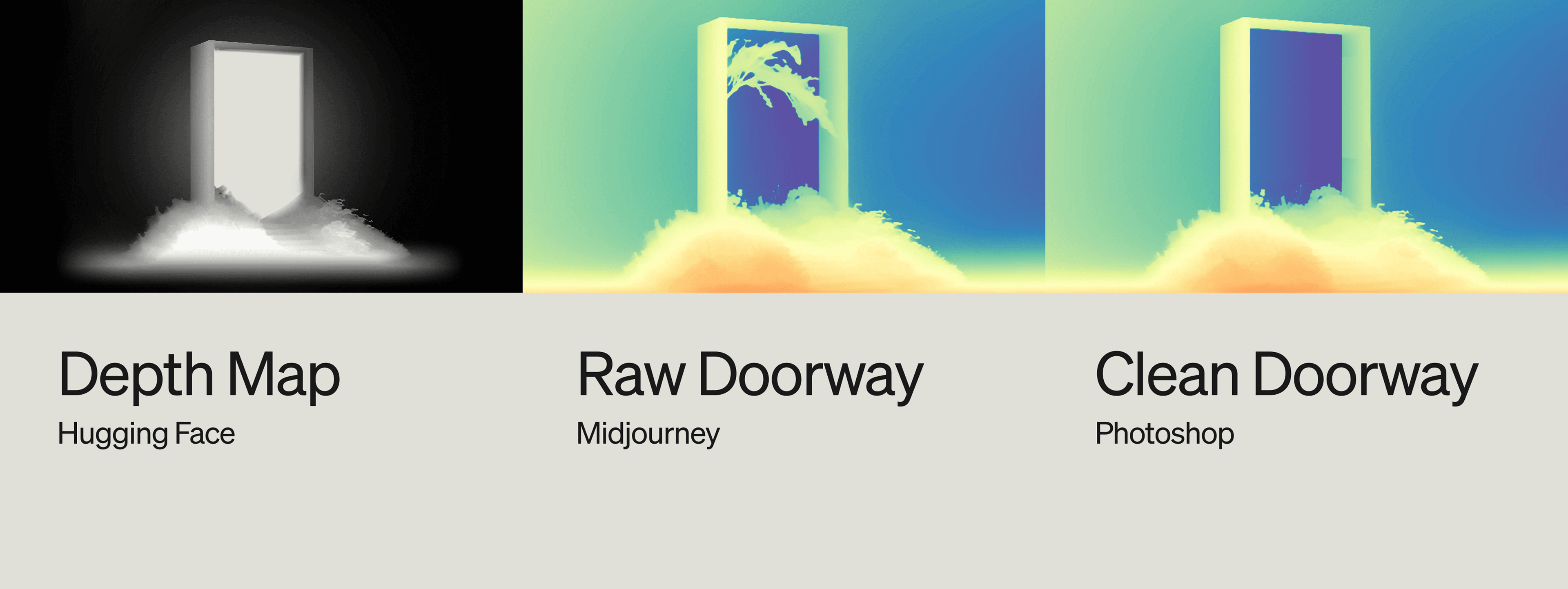

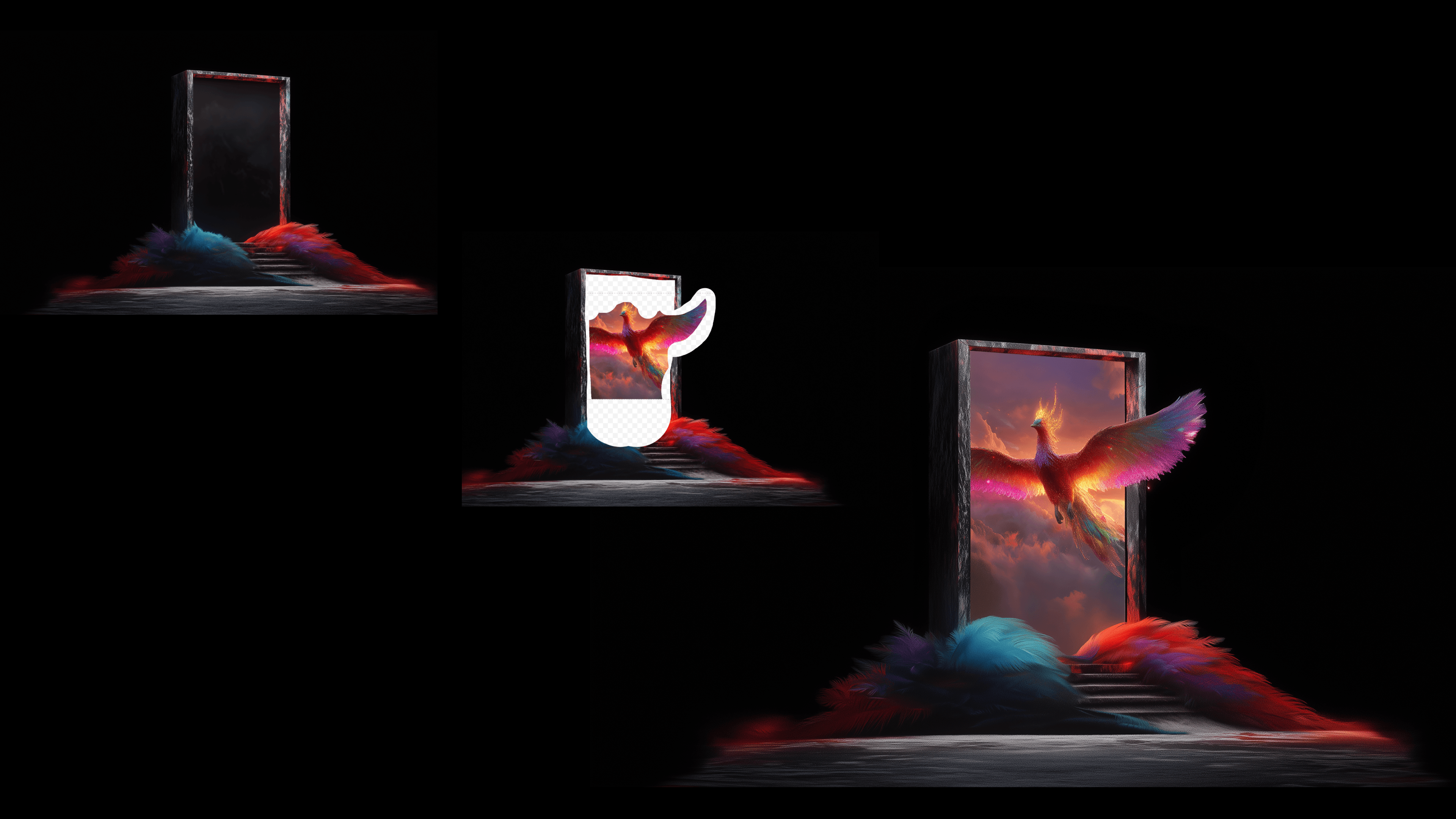
One of the biggest technical breakthroughs came from separating the portal frame from the world behind it.
Instead of asking AI to generate everything at once, we layered the work.
Step 1: Lock Geometry (The Frame)
Design the portal frame first, locking geometry, perspective, and lighting to establish a fixed camera view.
Step 2: Depth Mapping (Hugging Face)
Stabilize composition with depth maps. Using Hugging Face, we generated depth maps that kept scale and camera angle consistent.
Step 3: Transparency Masking (Photoshop)
Limit AI control with transparency. We cut out the portal interior in Photoshop and reintroduced it as a transparent PNG, allowing AI to generate only inside the frame.
“It was important to render the doorway first and establish the scene inside second.”
This gave us real control. The portal stayed fixed. The world inside could evolve endlessly.
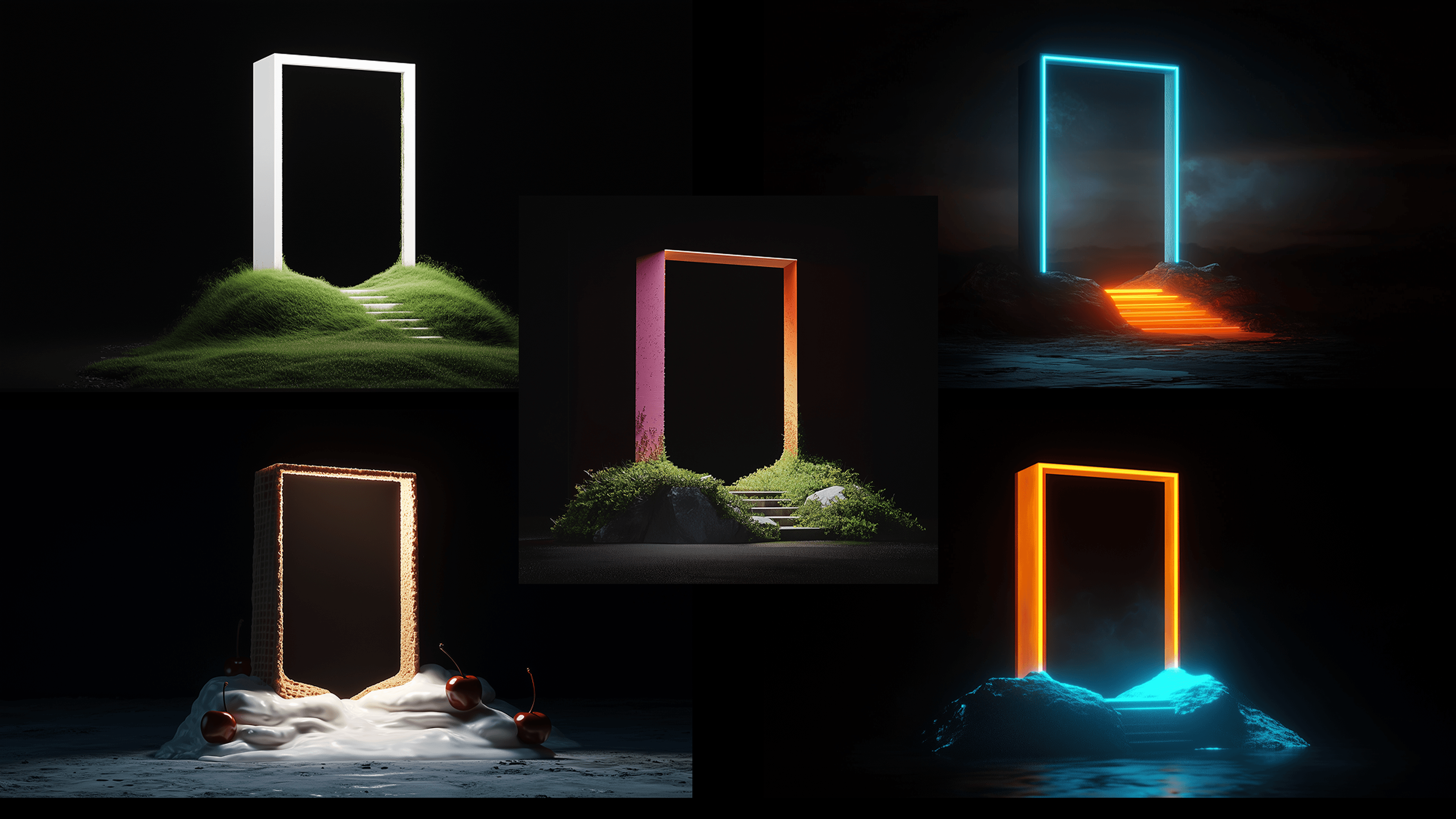
AI tools are evolving constantly—by the time you read this, there’s probably a better way. Here’s how we did it: find or create a reference image for the “world” behind the doorway, then use MidJourney’s Edit mode to layer the doorway on top. Next, we cut out the areas outside the doorway, letting MidJourney blend the scenes smoothly. Once the image’s right, we use it as a style reference and retexture to build from there.
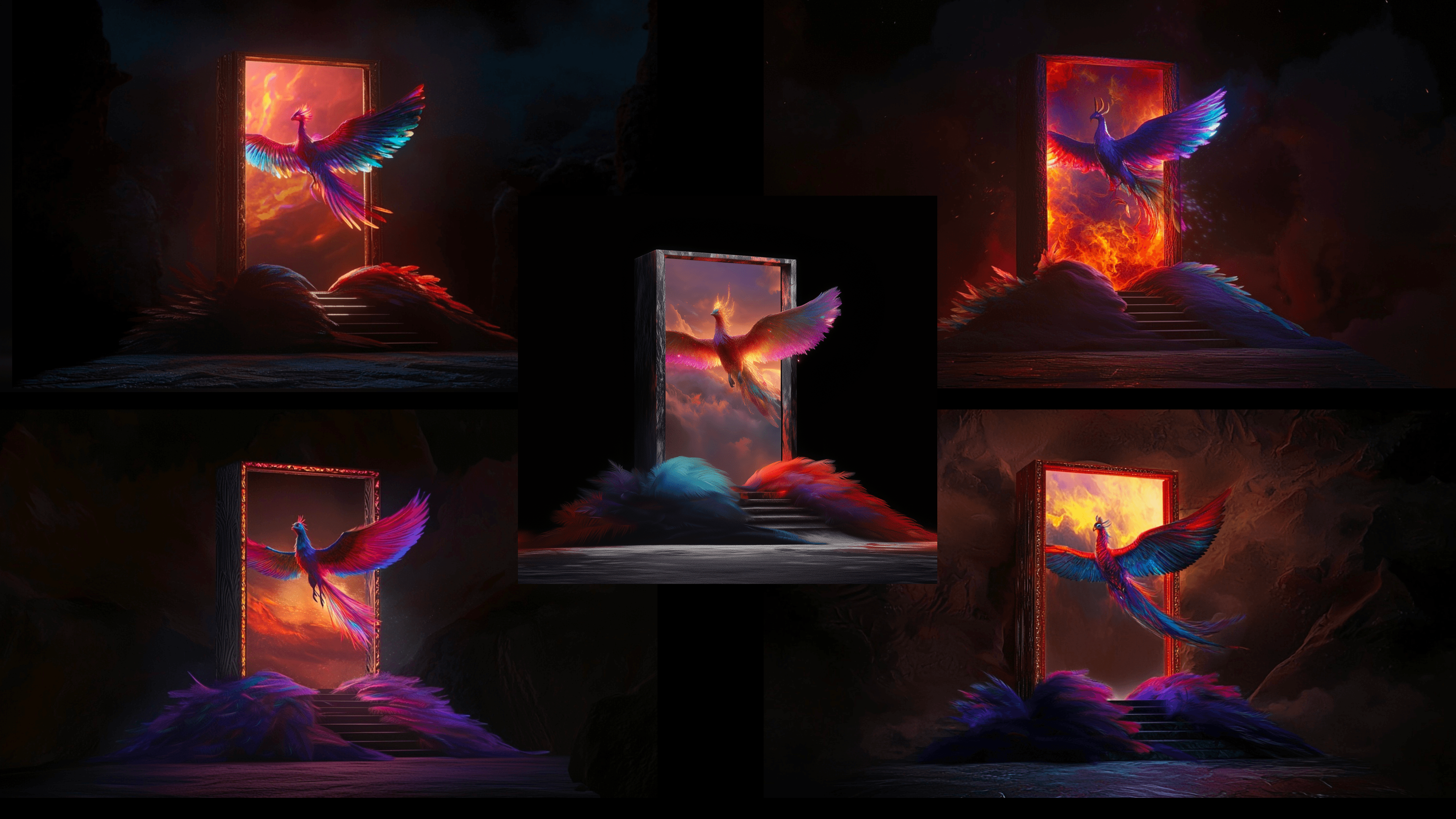
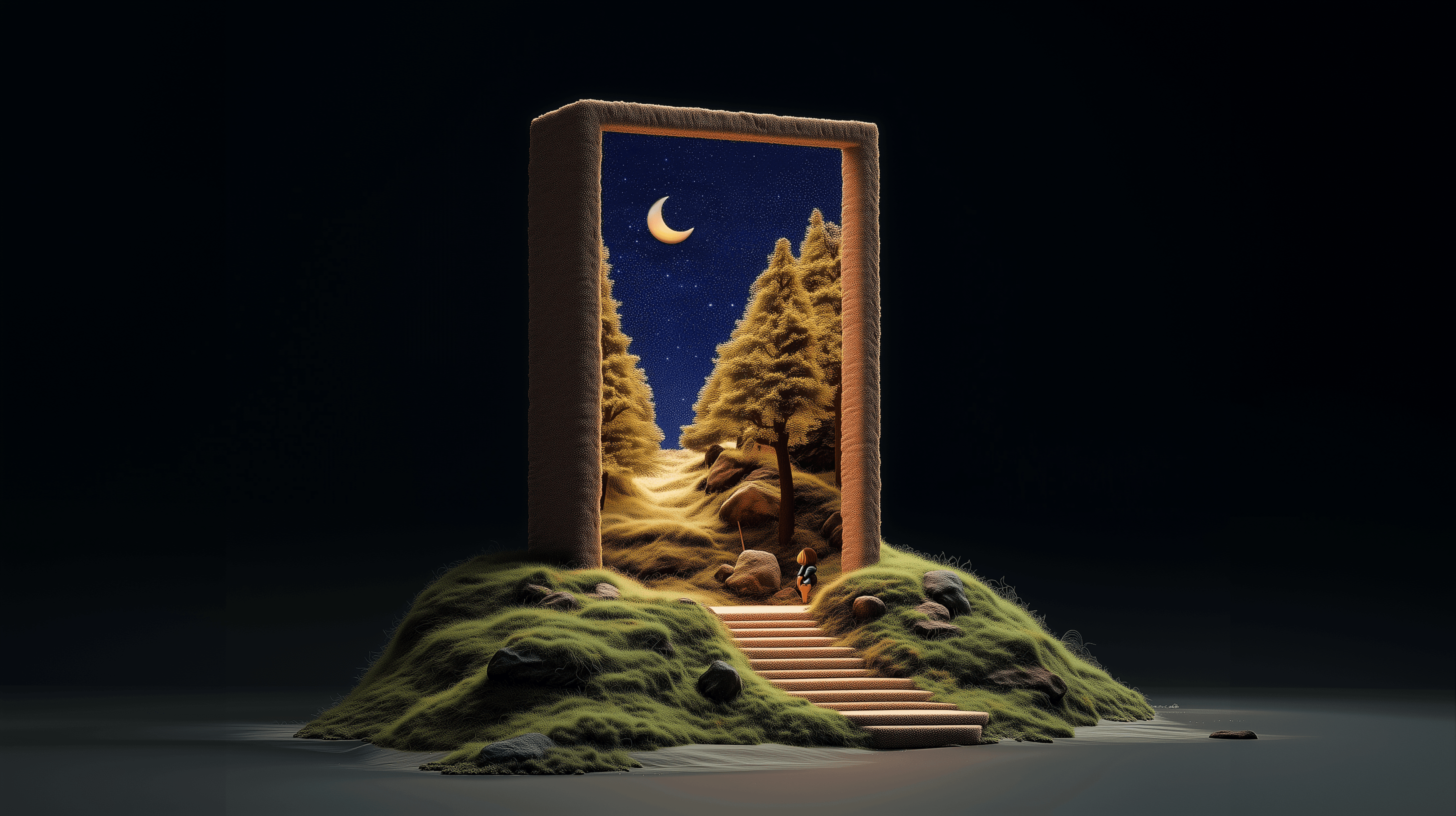
With our production workflow figured out, we knew how we wanted to tell the story and make it happen. That freed us up to start developing the actual concepts for each portal. The main idea is that through each doorway, or portal, we offer clients a world of potential solutions—each focused on a specific area of expertise or capability.
Metajive’s Applied AI capabilities:
Systems & Operations
Workforce Enablement
Customer Experience
Custom Agents
Generative Creative
We wanted each portal’s world to reflect the solution it represents, while maintaining a consistent structure across all of them. Just as important, the portals created a design system that’s uniform on the outside but features distinct, unique worlds inside.
Each portal world began with human ideation, not prompting. What does “systems” actually mean visually? What metaphors make workforce energy feel alive? How do you make customer experience feel both pragmatic and delightful?
AI didn’t come up with the ideas, but it let us experiment and pressure-test fast.

Once we had clear concepts for each portal, we didn’t rush into final production. Instead, we ran a wide range of visual studies—not to nail things perfectly right away, but to stay curious. Different materials, lighting, and metaphors—sometimes pushing ideas farther than we’d end up going. This is where AI really proved itself. It lets you explore without locking into one direction too soon.
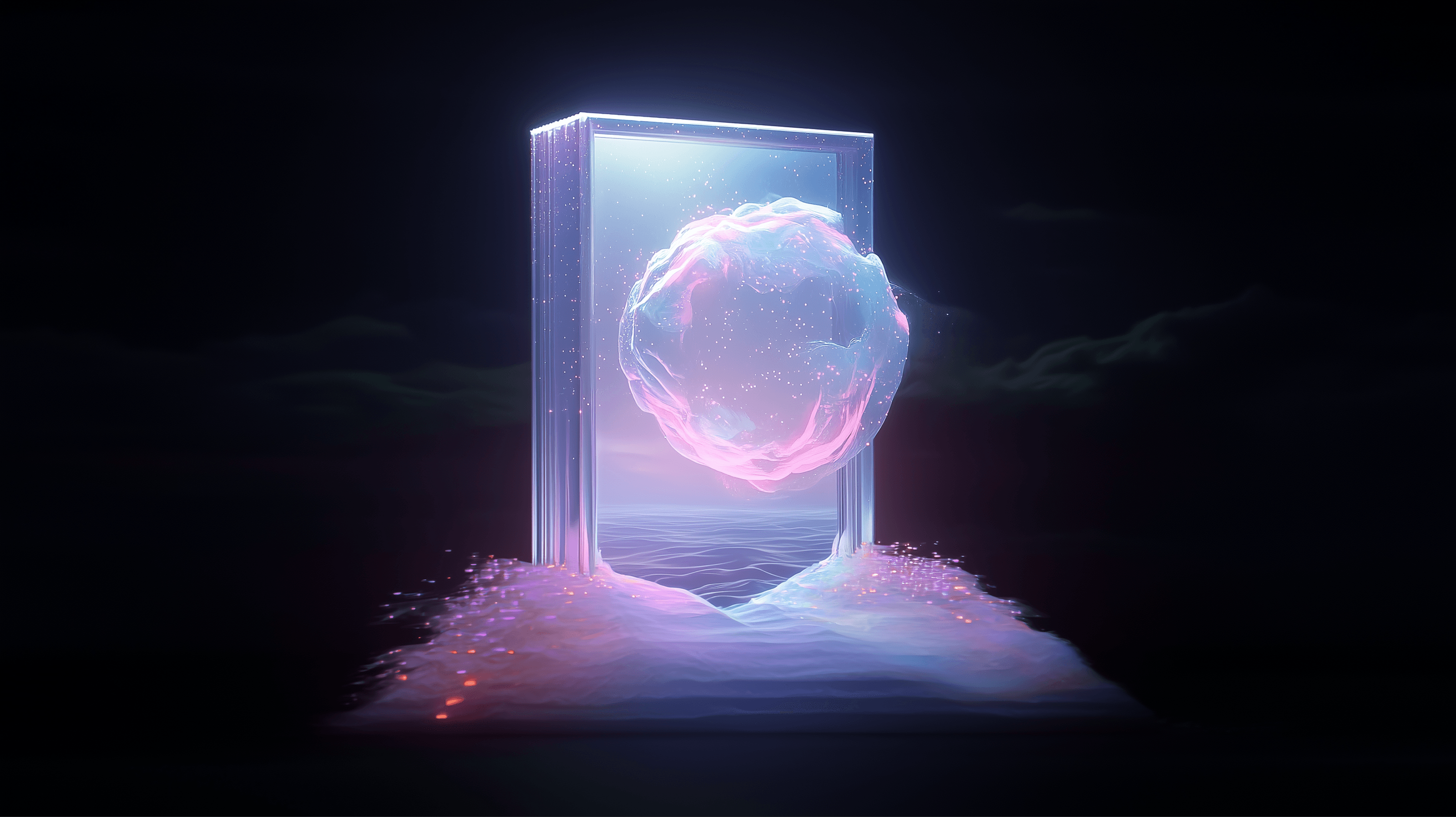
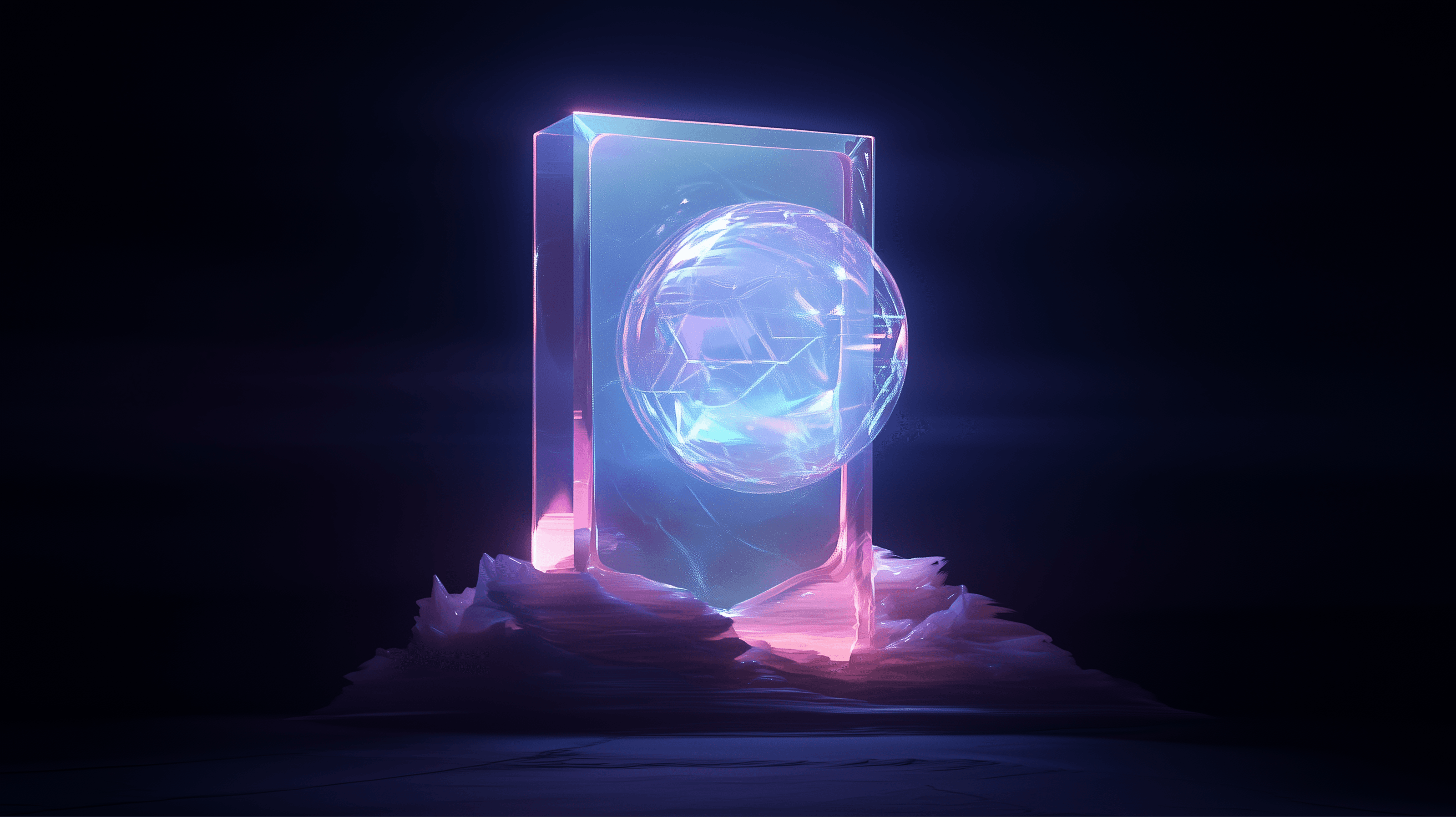
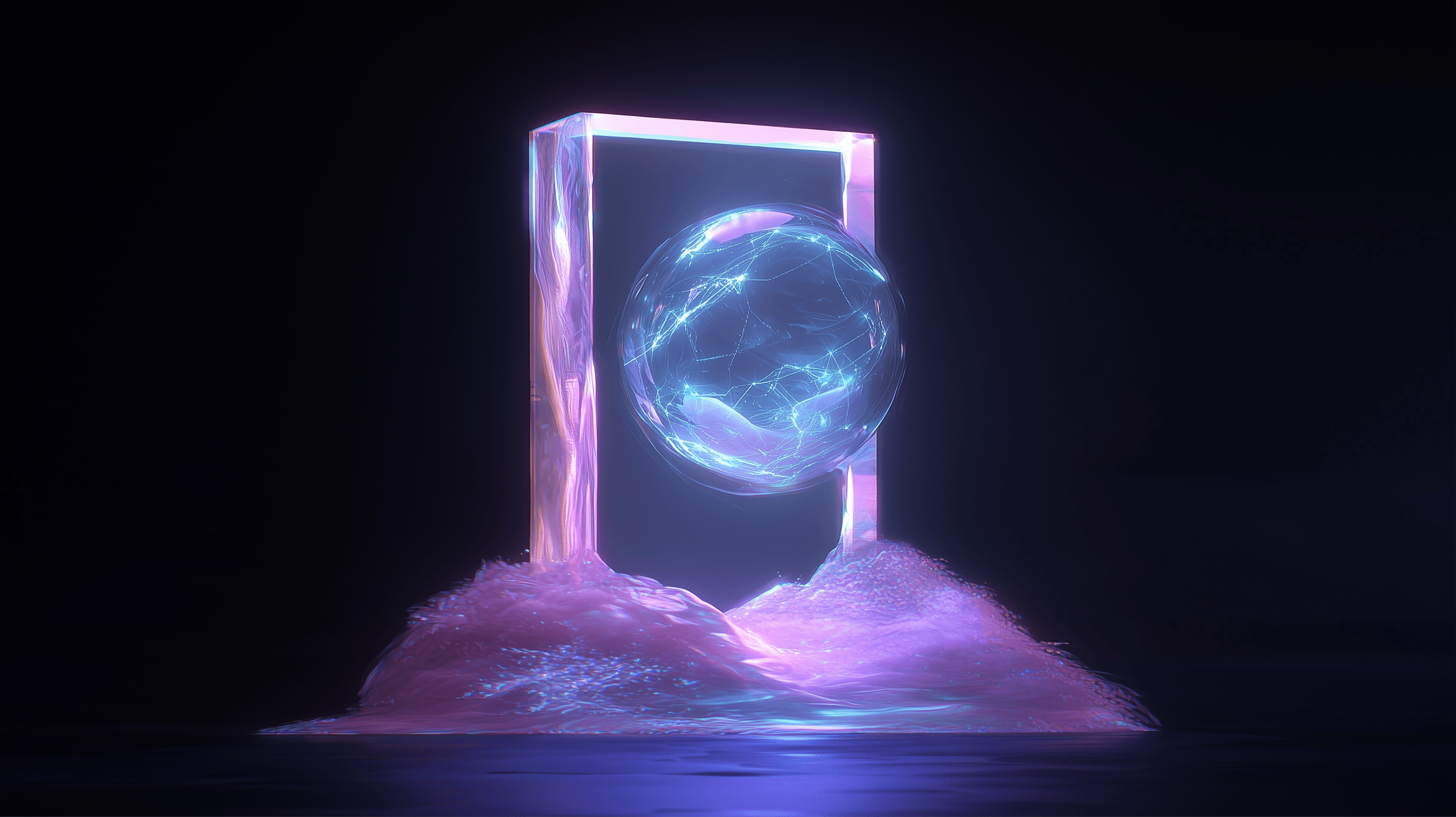
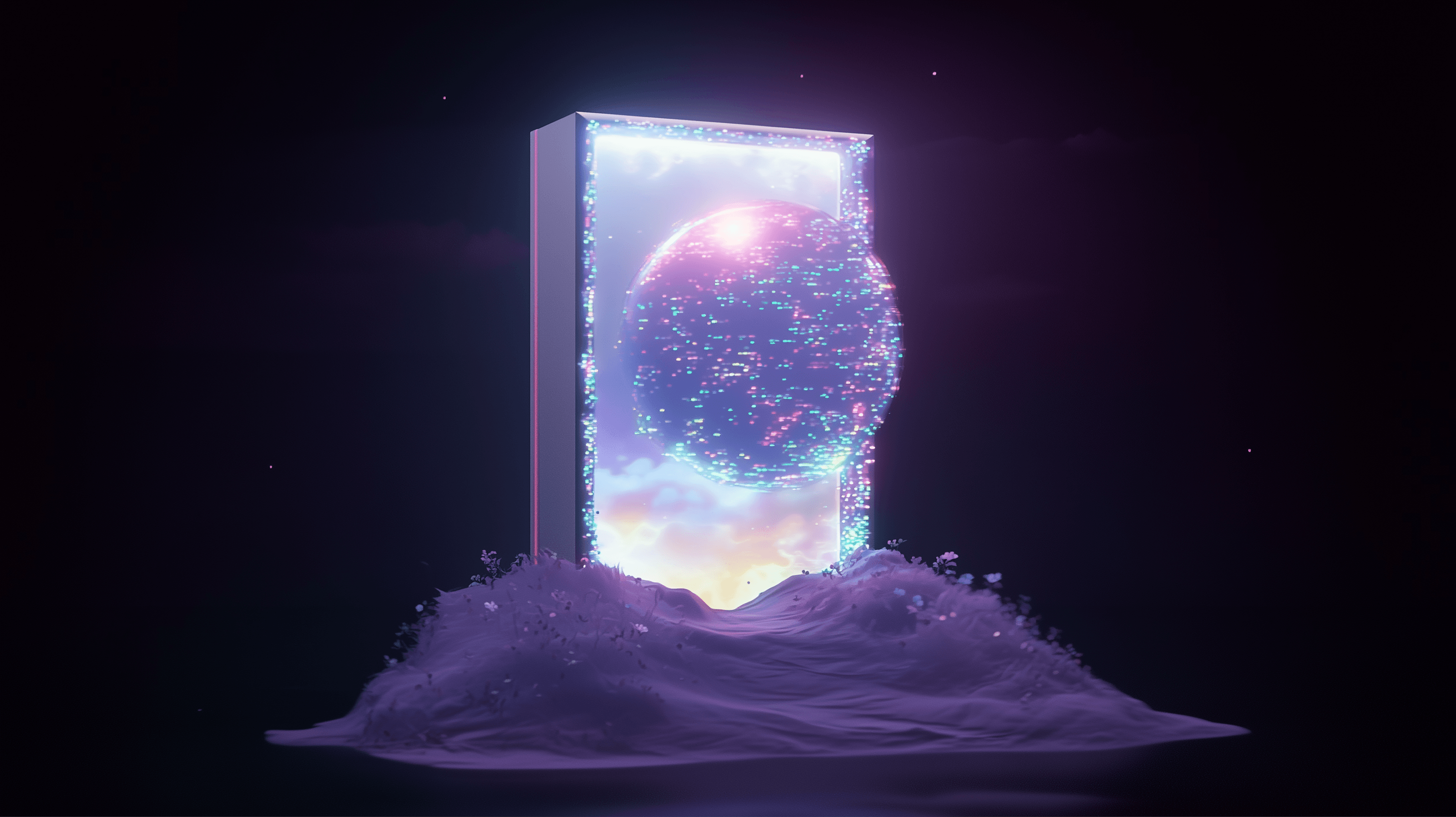

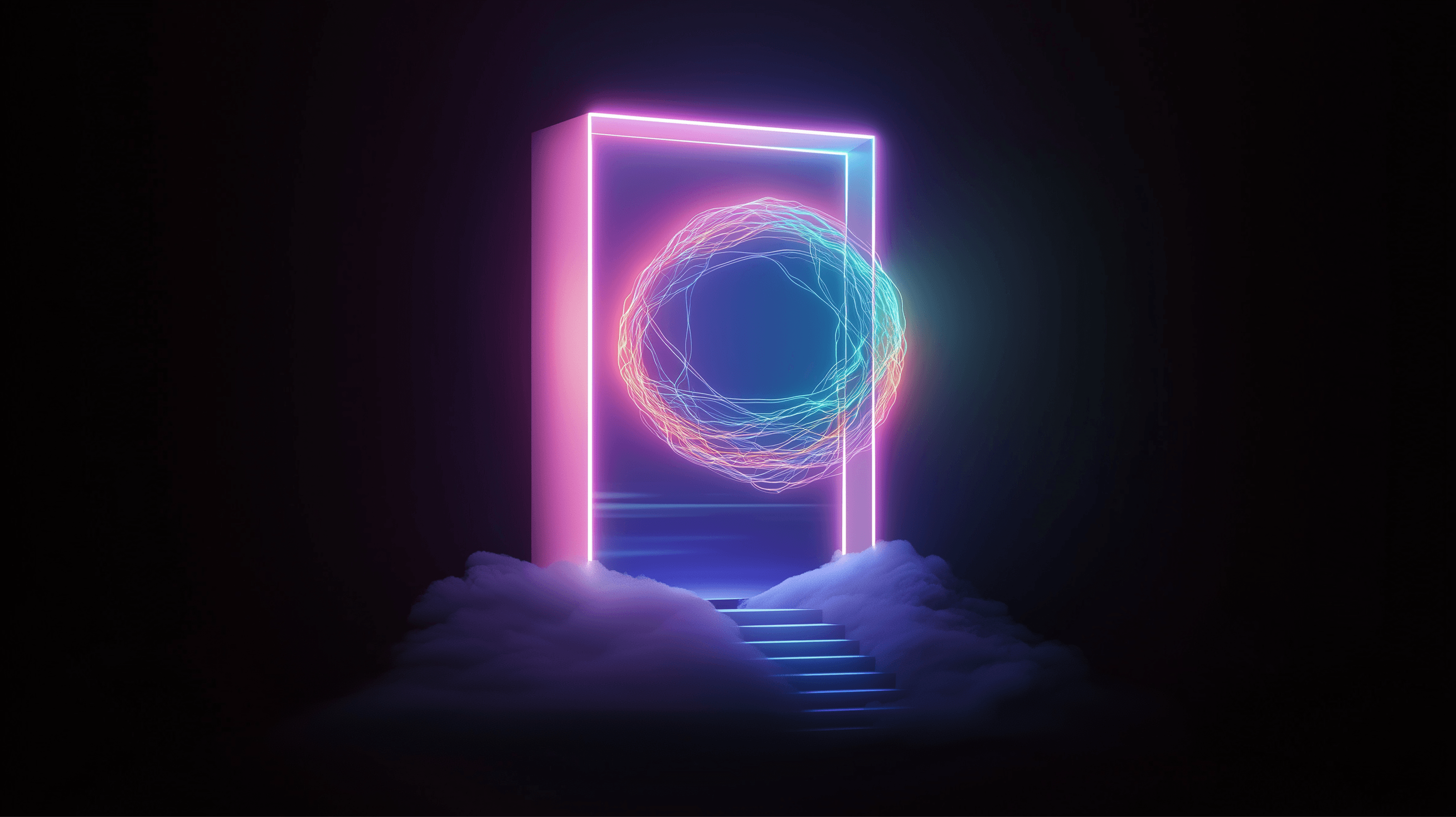
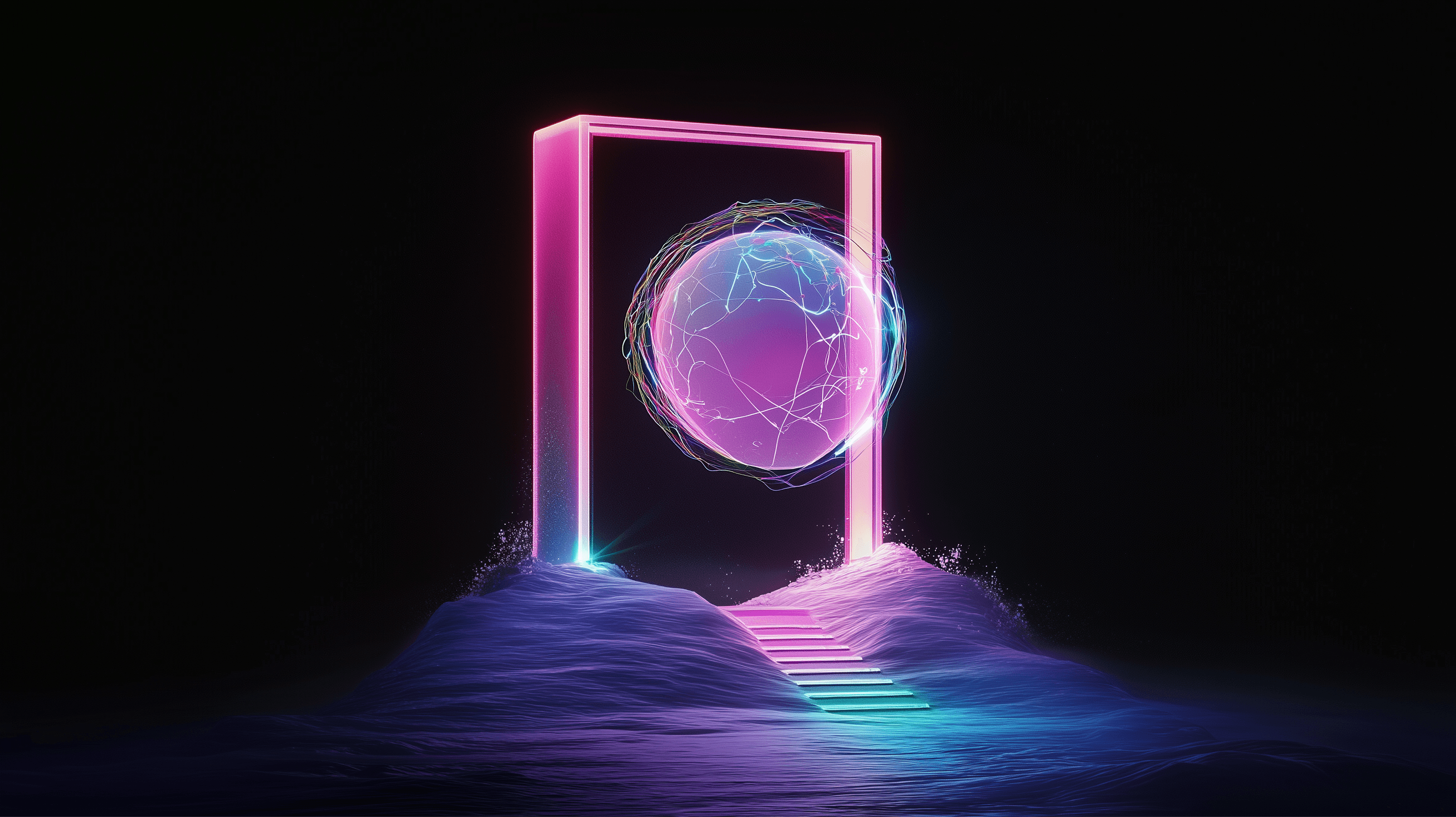
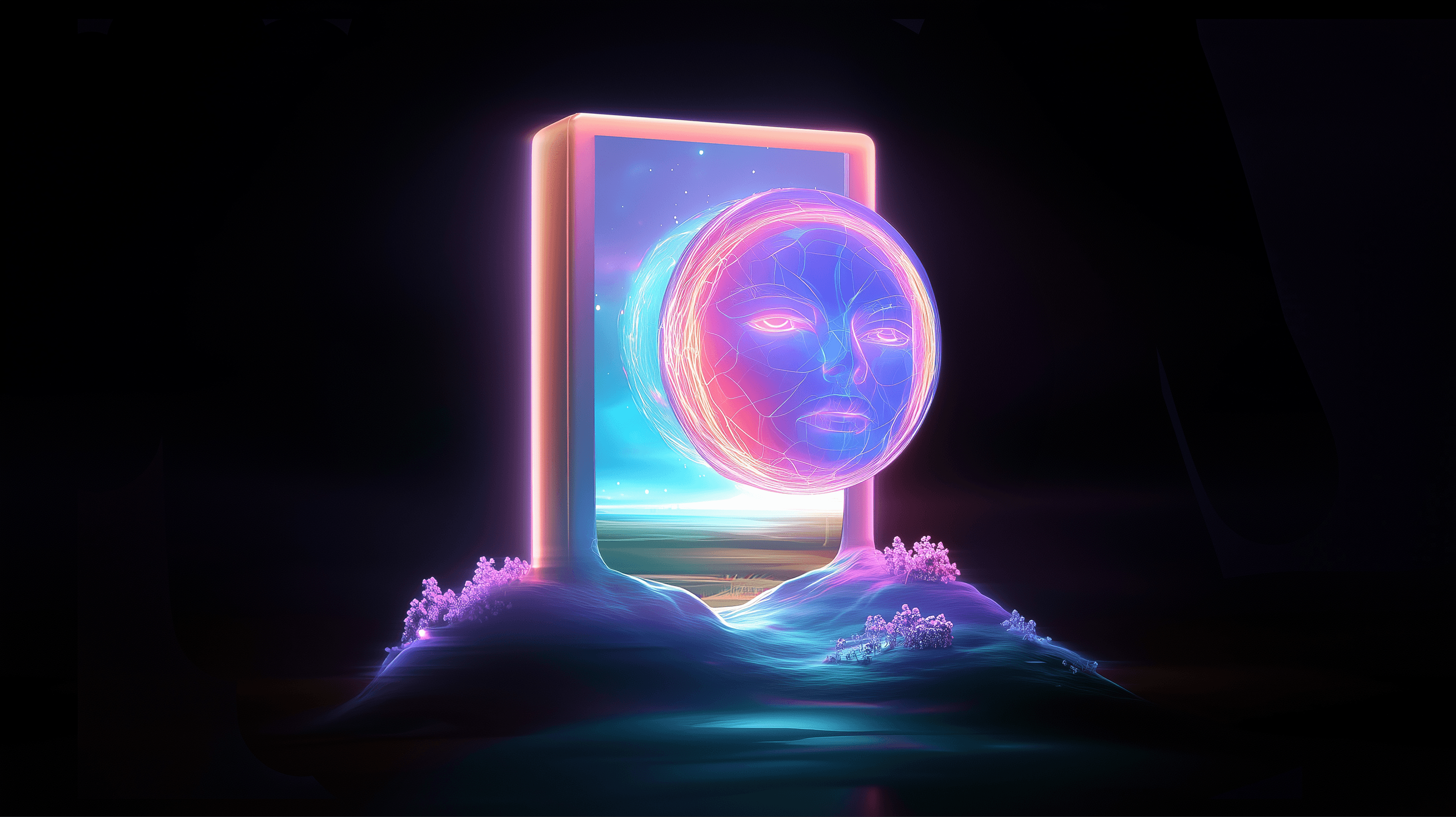
Rob and I would sit down and review those experiments together, reacting, pushing, and narrowing in. Some ideas felt off immediately. Others were interesting but unfinished. A few stopped us cold and made us rethink everything.
From all that, we picked the strongest directions. That’s when Rob dove into production—fine-tuning details, fixing imperfections, compositing, and building portals that felt intentional and polished.
What we got wasn’t just final images; it was a whole archive of exploration that led us to the right answers. We’ll be sharing some of those studies here—they matter just as much as the finished work.
AI didn’t replace our creative judgment. It made more room for it. And in that open space, where curiosity ruled, we found ourselves drifting away from the obvious.

The Workforce portal is a good example of why AI is powerful in concepting.
Our first instinct was the obvious: generic offices, sticky notes, all that. It was fine, but bland. After more iterations, the “worker bee” idea landed—beehives, honey, energy, movement. It suddenly had personality and truly different visual impact.
Once animated, it became even stronger. Honey drips. Bees swarm. Everything feels kinetic.
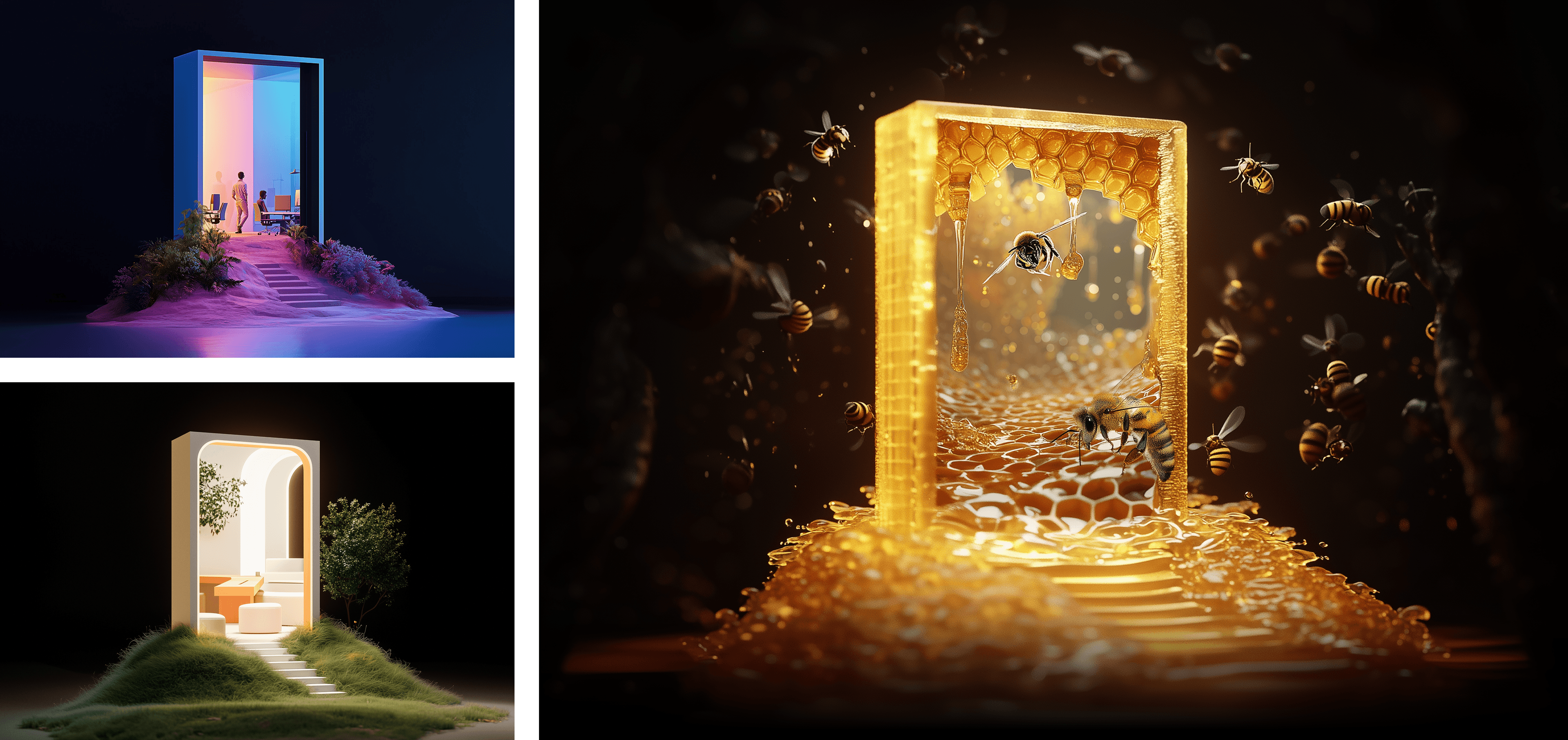
AI made it easy to chase wild ideas quickly. That headroom helped us move past safe choices and into something memorable.
The Customer Experience portal (the mall entrance) looked great at first glance. Up close, the illusion broke—misshapen people, strange clothing, details that didn’t hold up.
So we treated it like any other design problem. We rendered and composited additional scenes to introduce believable products and cleaner details.
AI output wasn’t the product. It was material.

We leaned heavily on Google Flow for animation. Flow is an AI filmmaking tool built for creatives, powered by Google DeepMind’s Veo, Imagen, and Gemini models to deliver control and consistency in AI-generated video. We genuinely love it—it’s fast, expressive, and designed for creative exploration rather than pure automation.
When AI Surprises You
Everyone’s seen the lazy, bland side of AI output. But sometimes, mistakes become magic. A weird transition unexpected turns into light and movement you never would have asked for.
That bit of improvisation and happy accident is still part of the creative process—just with a new partner.
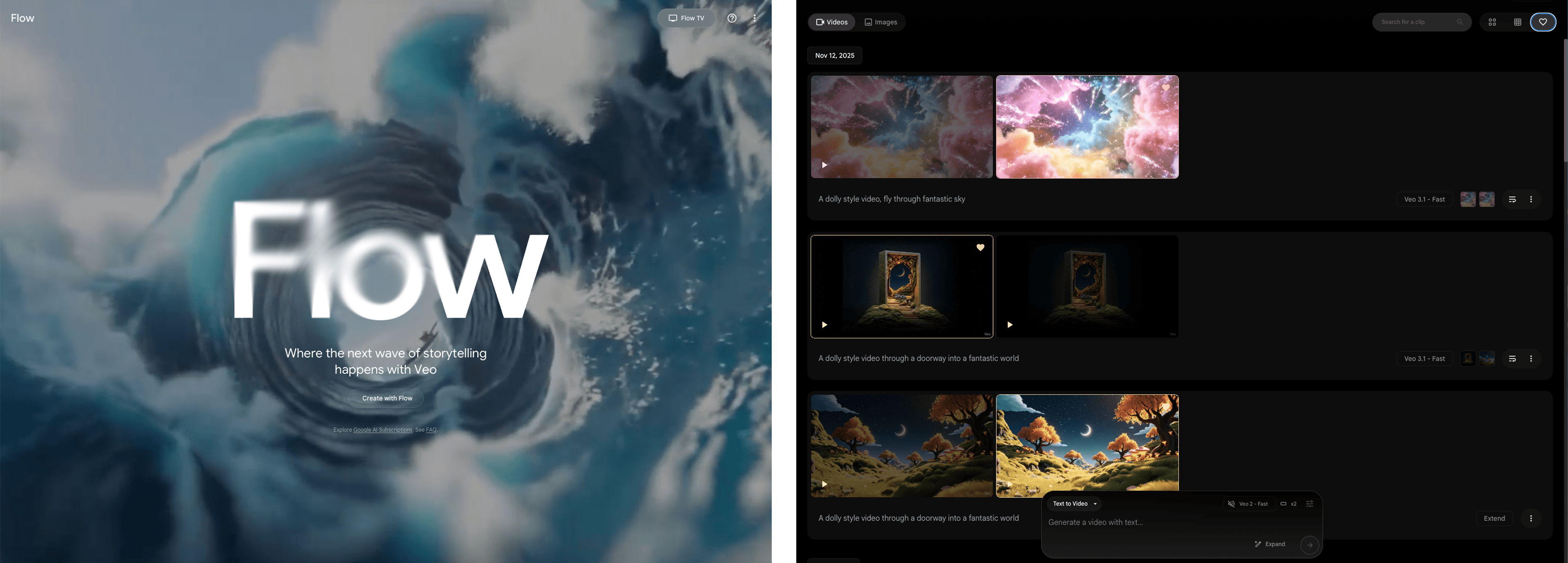
The trick to getting the motion right was figuring out our key frames, then generating individual transitions, not trying to get a whole video out in one shot. We brought it together in After Effects because that’s what makes the sequence smooth and complete.
The Big Lesson – Let the tool do one thing at a time.
Keep AI’s focus tight. Ask it to do one thing at a time. The more you pile on, the worse the results get. When you set boundaries—structure, lighting, details—you can do real, quality work. That mindset now underpins how we approach AI across projects.
Thanks to this project—and others like it—we’ve been able to rethink how we work. By using generative AI, we’re now able to offer our clients real value in ways that just weren’t possible before.
Inspiring Creative Work
Ability to spark creative thinking and help shape a shared vision.
Enhanced Visualization
Makes it easier and faster to communicate creative ideas clearly.
Accessible Execution
Delivers polished creative work to clients who have limited resources.
In the past, big ideas would start out rough and abstract. We spent hours just trying to help clients “see it.” Now, with generative AI, we can show them something believable right up front. It takes the leap of faith and turns it into a manageable step.
That’s huge, whether we’re working with a global brand or a startup. AI helps us give every client tools and creative muscle they couldn’t touch before. Think of what digital cameras did for photography. AI is opening up possibilities in creative work, not closing them down.
Plus, we’re now able to help a lot of startup partners create amazing visual content that makes their brand instantly more impactful from day one. What used to be totally out of reach is now within their grasp—and it’s a game changer for these brands.

These tools are powerful—borderline explosive. Used well, they unlock creativity. Used poorly, they create noise.
We’re figuring this out in real time. Staying hands-on, honest, and curious is the only responsible approach.
AI doesn’t remove the need for taste.
It raises the bar for it.
And that’s what the portals represent for us—not just what AI can do, but what happens when real creative intention is still driving the work.
That’s a journey we want to keep exploring.